
Creating Users and Assigning Roles
Tribefire enables you to create users and assign custom roles to them.
General
In Tribefire, the default users are Cortex (with tf-admin role), and Locksmith (with tf-locksmith role). For more information on roles in Tribefire, see User Roles.
Creating Users in Tribefire
Follow the steps below to create new users and assign roles to them:
- Switch to the Authentication and Authorization access as follows:
-
If you are on the Tribfire landing page, under Users & Groups click Administration.
-
If you are in Control Center, click the cogwheel icon, and select Switch to > Authentication and Authorization.
-
- Click Users, and then click New.
- Fill in the user details and assign the appropriate role.
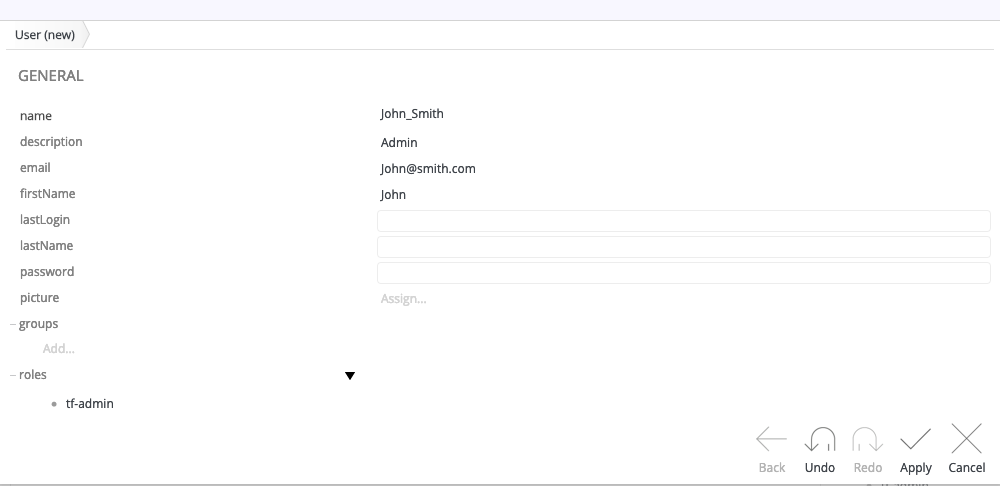
- Cick Apply.